Tutorial
How to Post Your Window Peeper Video on TikTok and Reels
Post your Window Peeper video on TikTok or Instagram Reels: download the vertical MP4, add a caption, switch on the AI label and keep the sound.
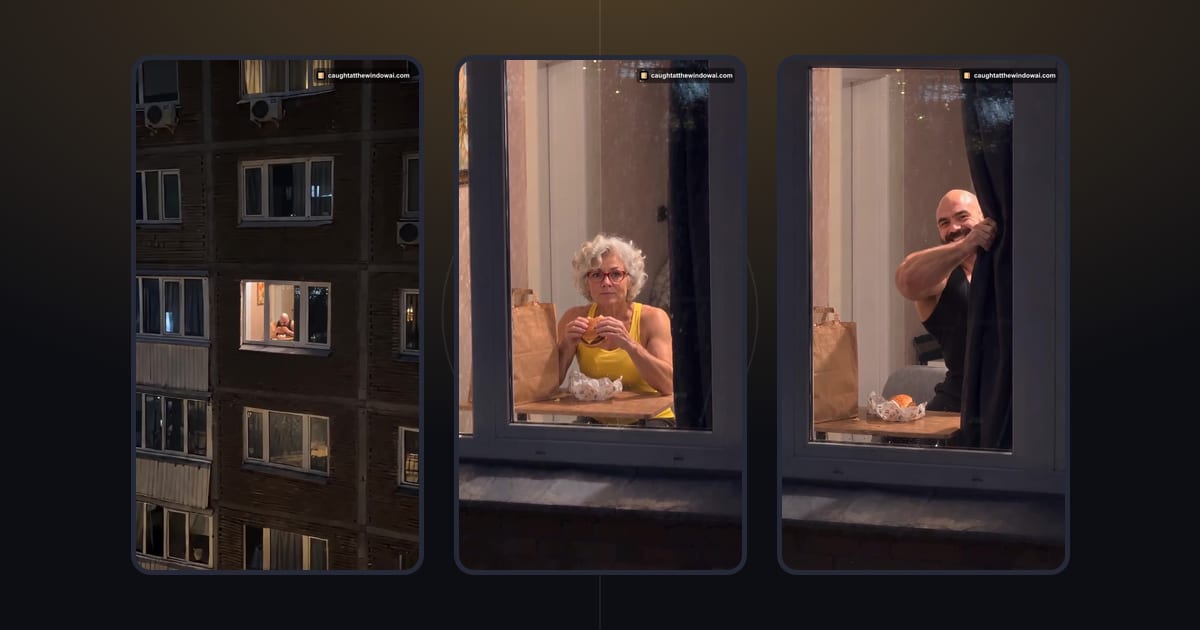
To post your Window Peeper video on TikTok or Instagram Reels, download the finished MP4, upload it as a new post without cropping, write a short caption that sets up the joke, switch on the platform's AI-generated label and keep the original sound. The video is already vertical 9:16, so it fills the screen on both apps. This guide walks through each step and the choices that make the curtain moment land.
If you have not made your video yet, start with Window Peeper AI: one photo of yourself becomes the caught-mid-snack scene. Everything below assumes you have a finished video in My videos, or are about to make one with the form further down.
What you are posting
Before you open TikTok, know what the file is. Every Window Peeper video from this site has the same format:
- Length: about 15 seconds.
- Shape: vertical 9:16, the native shape for TikTok and Reels.
- Quality: 720p MP4.
- Sound: the prepared scene's own soundtrack, including the laughter at the end.
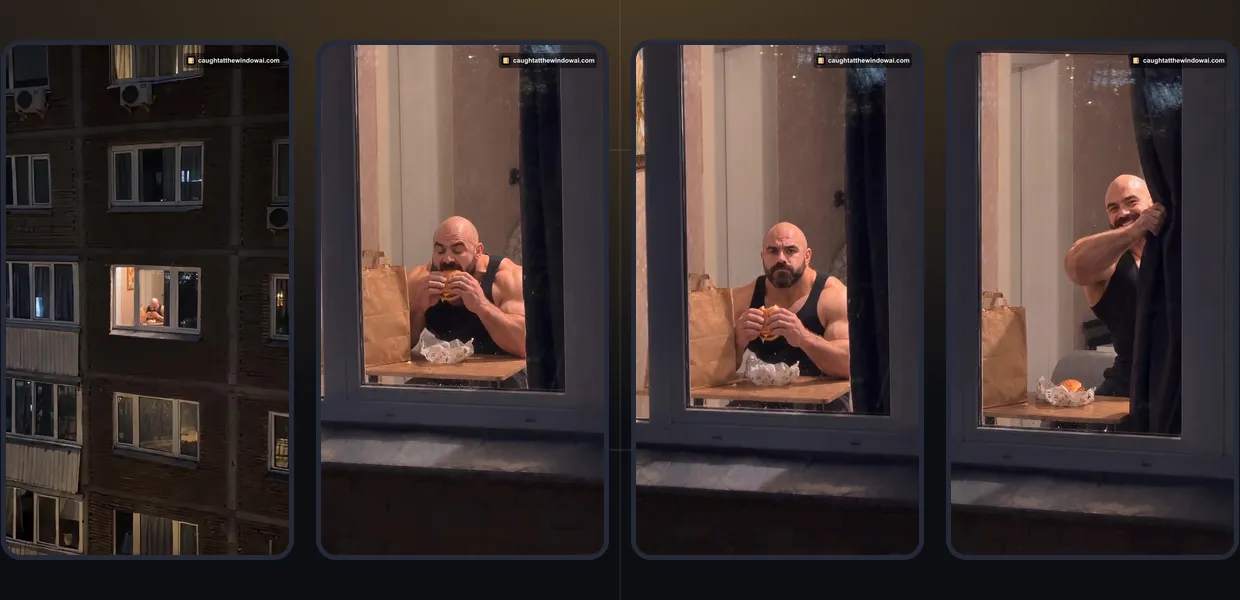
- Content: one person, the one from your photo, at a lit window at night: the approach, the burger, the look up and the curtain.
Because the video is already the right shape and length, you do not need an editor to resize or trim it. Cropping it to a square or a wide frame usually cuts off the curtain, which is the punchline.
Step 1: make and download the video
Upload a clear photo of yourself, or of an adult who said yes, in the form below. Check the preview, confirm permission, sign in when asked and create the video with credits. The form loads as you reach it.
Upload your photo here
The form opens here. Credit packs are paid once; generation uses credits.
Generation usually takes about 4 minutes. You can leave the page and come back to My videos. When the video is ready, watch it once, then download the full MP4 to your phone. Save it to your camera roll or files so TikTok and Instagram can find it.

Download it soon. Finished videos stay available for 30 days, and you will want your own copy if you post again later or share it in a group chat. If you see a short, watermarked preview instead of the full video, unlock the full video first; the preview is not the file to post.
Step 2: post it on TikTok
Open TikTok, tap the plus button and choose Upload to pick the video from your gallery. A few choices matter more than others:
- Do not re-crop. The video is already 9:16. If the editor offers to adjust the frame, leave it as is.
- Keep the original sound. The soundtrack is timed to the scene. If you lower it to add music, check the laugh at the end is still audible.
- Pick the cover. Choose a frame with your face clearly visible, such as the moment you look up from the burger. Avoid the curtain frame as the cover; it gives away the ending.
- Turn on the AI label. Before posting, open the post's settings and switch on the AI-generated content option. Labelling is honest, and it is what TikTok asks for content made with AI.
- Add hashtags people already use for the trend. The trend's own names, such as #windowpeeper and #caughtatthewindow, help viewers who already know the joke find yours.
Keep on-screen text short and away from the middle of the frame, where your face is. TikTok's buttons cover the right edge and the bottom, so place any text in the upper or middle-left area.
Step 3: share it as an Instagram Reel
On Instagram, tap the plus button, choose Reel and select the same video. The same rules apply: no cropping, keep the original audio and pick a cover frame that shows your face. Instagram lets you add an AI label to a post when you share it; look for the AI label setting under the advanced or extra options before you publish. If you do not see it on your account, write "AI-generated" in the caption instead.
Reels shows captions and buttons over the lower part of the screen, so text placed near the top or centre stays readable. If you post the same video on both apps, write each caption separately. A caption that relies on a TikTok-only sound or hashtag will read oddly on Instagram.
Write a caption that sets up the joke
The video already has the punchline: you look up, you are caught, the curtain closes. The caption only needs the setup. Good captions point at a situation your friends recognise:
- "Me at midnight after saying I was not hungry."
- "When the diet started on Monday and it is Tuesday."
- "Caught on my third dinner of the evening."
- "The face you make when someone sees your snack."
Keep it about you. Captions that imply a real person was filmed without knowing, or that the clip is footage of a real event, work against both the joke and the platform's rules. A plain "AI-generated" tag at the end of the caption costs nothing.
Who appears in the video
Only post a video of yourself, or of an adult who gave you permission to make it and to post it. If you made a video of a friend, send it to them before posting and ask where they are happy to see it. Do not tag people who have not agreed. The service does not accept photos of celebrities, public figures or minors, so those videos should not exist in the first place.
Your Window Peeper AI video is an AI-generated scene made from your photo. Treat it like any other edited video: it is a joke you made, not evidence of anything.
Skip the reading and make yours
If the post does not look right
Most posting problems come from the file you picked, not from the platform:
- The video is short or has a watermark. You may have saved a preview. Open the video in My videos, unlock the full video if asked, and download again.
- The frame is cropped. The editor changed the shape. Upload again and leave the frame as it is.
- There is no sound. Check the original sound is not muted in the editor and that your phone is not on silent while you preview.
- The video looks softer after posting. Both apps compress uploads. Upload the original downloaded file rather than a screen recording or a copy sent through a messaging app.
- The download is gone. Videos are available for 30 days. After that the site cannot play or download them, so keep a copy.
If you had trouble making the video in the first place, start with the best photo for Window Peeper AI, which covers the photos that are easiest for the scene to read.
Before you make another one
Each video uses 10 credits. Packs start at $8.90, are paid once and have no subscription, and credits do not expire. If a generation fails or does not finish within 30 minutes, the credits are returned automatically. The pricing page shows the packs.
Every video uses the same window scene; a different photo gives you a different person at the window. For the full walkthrough from photo to download, read how to do the Window Peeper trend. When you are ready, make yours with Window Peeper AI or the form above.
Questions
What format is a Window Peeper video for TikTok?
Each video is a vertical 9:16 MP4 at 720p, about 15 seconds long, with the scene's own soundtrack. It fits TikTok and Instagram Reels without cropping or resizing.
Should I label my Window Peeper video as AI-generated?
Yes. Switch on the platform's AI-generated label when it is offered, and say so in the caption too. The video is AI-generated from your photo and is not a recording of a real event.
Can I add a trending sound instead of the original audio?
The video already has its own soundtrack. If you add or replace audio, use the platform's sound library or audio you have the right to use, and check that the curtain moment still lands.
Keep reading
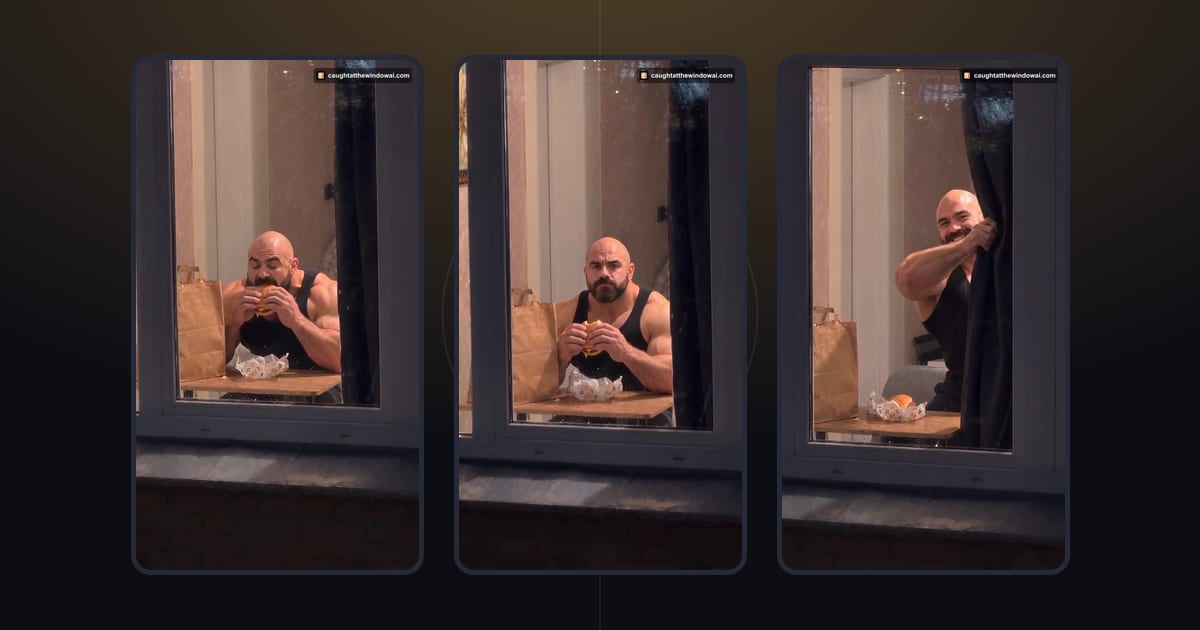 TutorialHow to Do the Window Peeper Trend From One PhotoMake your Window Peeper AI video with a clear photo. Follow the upload, credit and download steps in your browser, with no prompt to write.October 23, 2026 · →
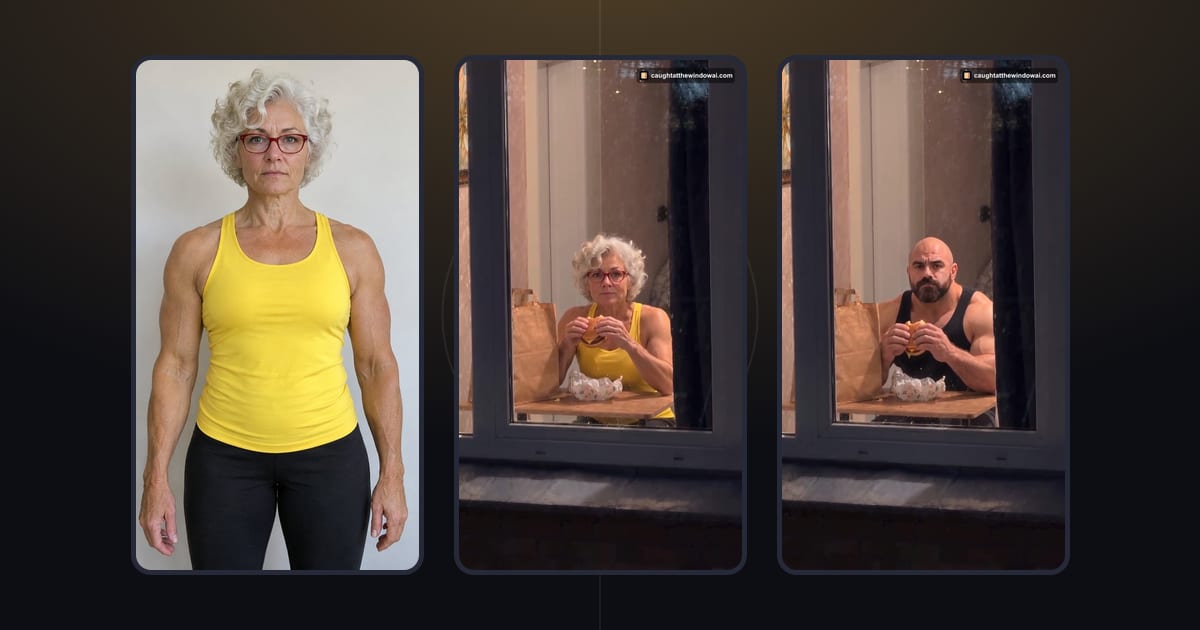 TutorialBest Photo for Window Peeper AI: What Works and What FailsThe best photo for Window Peeper AI shows one adult with a clear, well-lit face. See what works, what makes a photo hard to read and the upload limits.October 29, 2026 · →