Tutorial
Best Photo for Window Peeper AI: What Works and What Fails
The best photo for Window Peeper AI shows one adult with a clear, well-lit face. See what works, what makes a photo hard to read and the upload limits.
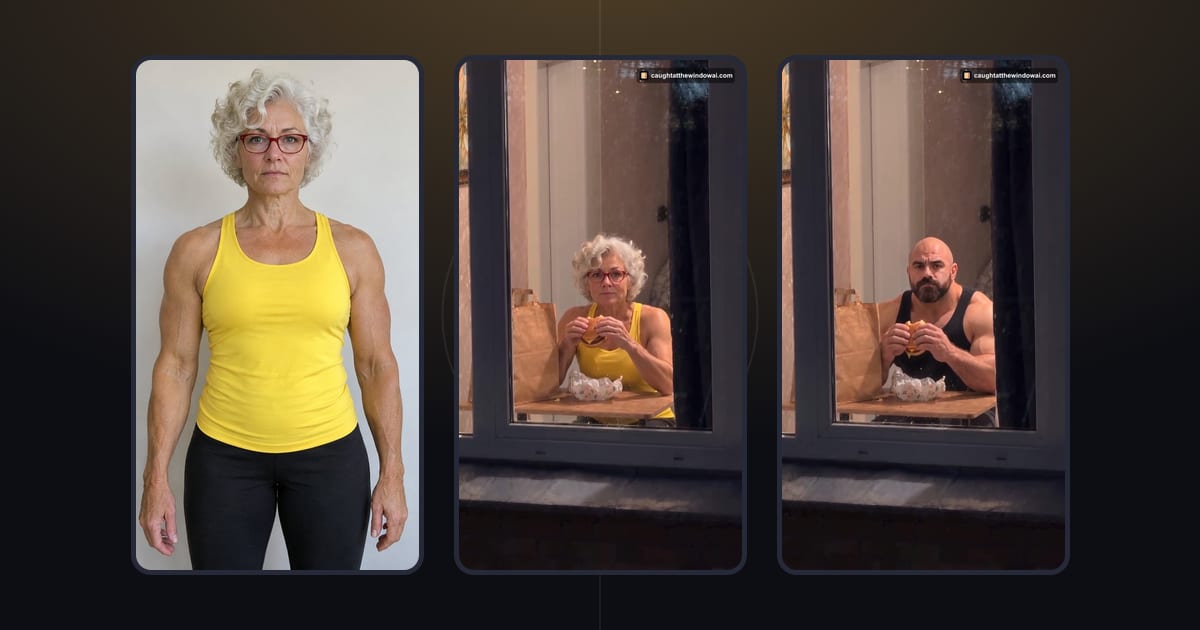
The best photo for Window Peeper AI is a clear, still photo of one adult whose face is visible, in focus and evenly lit, ideally looking toward the camera against a simple background. The video puts that person at a lit window at night, mid-snack, so the face is what has to carry through. Busy group shots, dark selfies and faces hidden behind hands, hats or filters are the photos most likely to give you a result you do not want to share.
You can test a photo right away with Caught at the Window AI. This guide explains what to look for before you upload, using the two photos behind our own generated examples, and what the form checks before you spend any credits.
What the best photo for Window Peeper AI has in common
The scene does a lot of work for you: the night exterior, the warm window, the burger, the look and the curtain are already prepared. Your photo supplies one thing, the person. That makes the choice simpler than it sounds. You are not looking for a dramatic picture; you are looking for a readable one.
Both photos we used for our examples are deliberately plain. Each shows one fictional, AI-generated adult standing in front of a light wall, facing the camera, with soft and even light. Nothing covers the face, and there is no second person to compete for attention. In the comparison below, the curly silver hair, the red glasses and the yellow top from the photo all appear in the window scene.
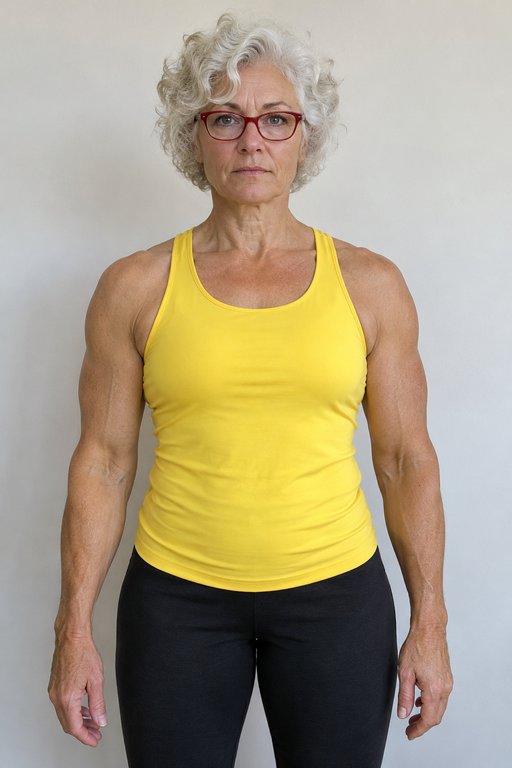 The photo
You do not need a studio. A photo a friend takes of you against a wall at home, near a window in daylight, often has the same qualities. What matters is that someone who knows you would recognise you instantly from the preview.
Put the face first
The face is the detail viewers notice when the person at the window looks up and makes eye contact. Give it the best chance:
- Visible and unobstructed. Remove sunglasses, masks and hats that shade the eyes. Keep hands, phones and drinks away from the face.
- In focus. A sharp face matters more than a sharp background. Motion blur or a missed focus point makes the features harder to read.
- Facing the camera. A front view or a slight angle is easier than a strict profile or a face turned away.
- A natural expression. A neutral or relaxed face lets the scene supply the surprised look. A wide-open laugh or a pulled face may not fit the moment of being caught.
- No heavy filters. Beauty filters, cartoon effects and strong colour grading change the features the video is meant to keep.
Everyday glasses are fine if your eyes are visible through them, as in our example. If you wear glasses every day, a photo with them usually looks more like you in the result.
Light, background and framing
Even light flatters every photo here. Daylight from a window in front of you, or a bright room without a single harsh lamp, keeps the whole face visible. Avoid strong backlight that turns you into a silhouette and deep shadows that hide one side of the face. A photo taken at night with the flash on can flatten the features and add glare to glasses.
Keep the background simple. A plain wall, a door or a tidy room gives the face the most attention. A crowded street, a busy pattern or a mirror with reflections adds detail that is not you.
For framing, a head-and-shoulders portrait or a waist-up photo both give a clear view of the face. Our two examples are framed from the head down to the thighs, and the scene still shows the person seated at the window. Avoid photos where you are tiny in the frame: a full-length photo from across the room leaves very little of the face for the video to work with. If you crop, keep the whole head and a little space around it.
Photos that are harder to read
These are the patterns to avoid when choosing a Window Peeper photo. They are not rare failures; they are ordinary photos that simply give the video less to work with:
- Group photos. The scene shows one person, so a photo with several people leaves it unclear who should appear. Choose a photo where you are alone, or crop so only you remain.
- Very dark or very bright photos. A dim bar selfie or an overexposed beach shot loses detail in the face.
- Covered faces. Sunglasses, a scarf over the chin, a hand on the cheek or hair across the eyes all hide features.
- Strong angles. A selfie from far below or above, or a profile view, distorts or hides part of the face.
- Edited images. Screenshots of stories with stickers, collages, memes and AI-styled portraits are not plain photos of you.
- Moving images. Animated images and short clips are not accepted. Choose a still photo.
If you are unsure, upload it and look at the preview. If you hesitate to say "yes, that is clearly me", try another photo before you sign in or pay.
What the form checks before you pay
The form reads your photo in the browser before anything is generated, and it explains what to change when something does not fit:
- File type: JPG, PNG, WebP and HEIC are supported, so most phone photos work as they are.
- Size: files up to 50 MB are accepted. The browser prepares the photo for upload, so large camera originals usually do not need to be shrunk first.
- Still image: animated files are rejected with a message asking for a still photo.
- Dimensions and proportions: very small images and extremely tall or wide crops are rejected. When proportions are only slightly off, the form may adjust them and tell you so.
These checks happen before you choose credits. A photo that passes is not a guarantee of a perfect video, but it rules out the problems that would stop the request from starting. If you see an error, the Window Peeper video not working guide explains each message and what to do next.
Whose photo you can use
Use a photo of yourself, or of an adult who gave you permission to make this video with it. Permission for a picture someone shared in a group chat is not automatically permission to turn it into an AI-generated video, so ask first and tell them where you plan to post it. The form asks you to confirm this before you continue.
The service does not accept photos of celebrities, public figures or minors. Our examples use fictional, AI-generated adults, and every video the site makes is AI-generated, not a recording of a real event. When you share yours, label it as AI-generated.
Upload your photo here
The form below is the same creator as on the homepage. It loads as you reach this section. Choose your photo, check the preview, read the permission confirmation and continue only when it is accurate.
Upload your photo here
The form opens here. Credit packs are paid once; generation uses credits.

If you prefer a bigger view, open Caught at the Window AI on the homepage. Both entry points save a draft in your browser, so after signing in or paying you come back to the page that started it with your photo restored. If the form warns that the draft could not be saved, keep the tab open and follow the message before you leave.
Skip the reading and make yours
Compare the second example
The second example was made the same way: one plain photo of a fictional adult, front-facing, evenly lit. Watch it through to the curtain. Notice how much of the result depends on the face being readable from the start: the look up from the burger is the moment that sells the joke.
Every video uses the same prepared scene. Each is about 15 seconds, vertical 9:16 at 720p, with its own soundtrack. A different photo gives you a different person at the window, not a different room or meal.
Before you spend credits
Each video uses 10 credits. Packs start at $8.90, are paid once and have no subscription; credits do not expire. If a generation fails or does not finish within 30 minutes, the credits are returned automatically. See the pricing page for the packs.
Generation usually takes about 4 minutes. You can leave the page and check My videos later. The finished video stays available for 30 days, so download your copy. For the full flow from upload to download, read how to do the Window Peeper trend.
When you have a photo you are happy with, go back to Caught at the Window AI or use the form above.
Questions
What is the best photo for Window Peeper AI?
A still photo of one adult with the face visible, in focus and evenly lit, ideally facing the camera against a simple background. The form accepts JPG, PNG, WebP and HEIC files up to 50 MB.
Can I use a group photo or a photo with a pet?
The prepared scene shows one person at the window, so choose a photo where you are the only person. If you crop a group picture, check that the crop still shows your whole face clearly and nobody else. Pets and couples are not separate options.
What happens to my photo after I upload it?
The photo is used for your video and deleted 24 hours after the video finishes or fails. Use only your own photo or one an adult gave you permission to use; celebrities, public figures and minors are not accepted.
Keep reading
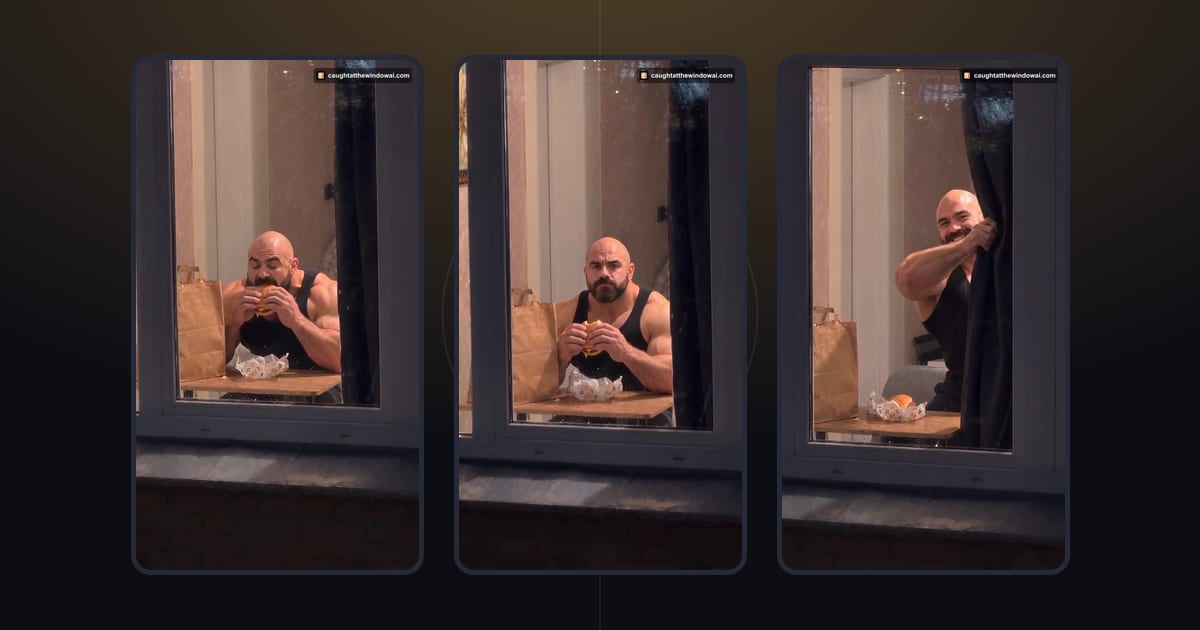 TutorialHow to Do the Window Peeper Trend From One PhotoMake your Window Peeper AI video with a clear photo. Follow the upload, credit and download steps in your browser, with no prompt to write.October 23, 2026 · →
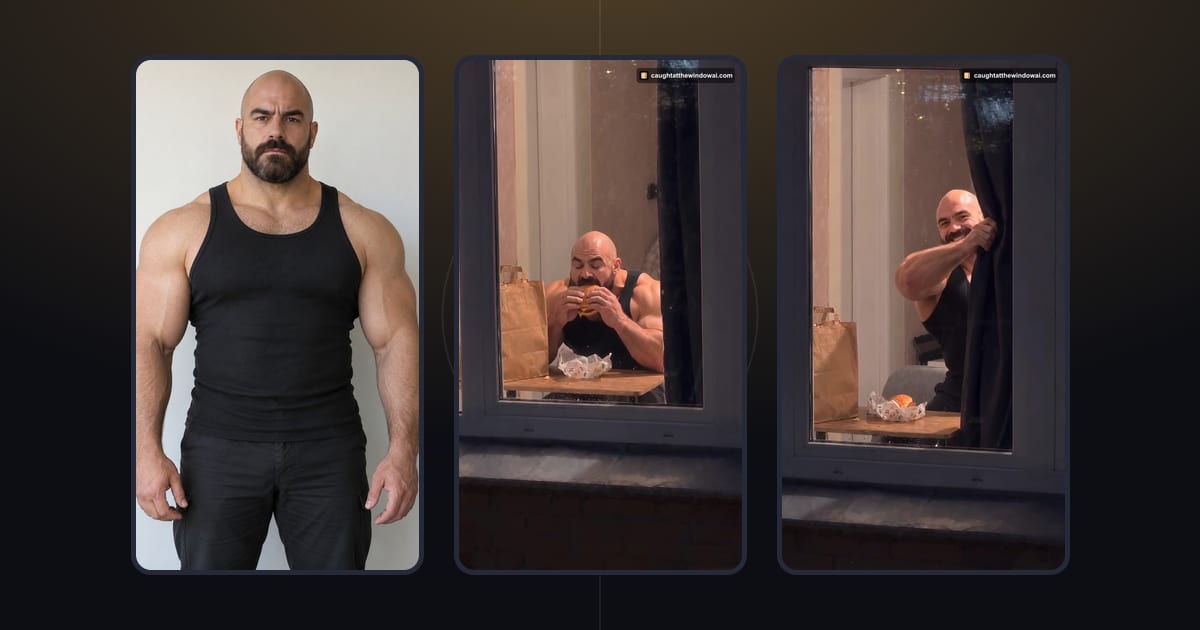 TutorialWindow Peeper Video Not Working? Fixes for Upload, Credits and ResultsWindow Peeper video not working? Fix photo upload errors, a lost draft after sign-in or payment, slow or failed videos and downloads. Failed videos return credits.October 29, 2026 · →