Tutorial
Caught at the Window AI Prompt: What the Scene Needs
Understand the Caught at the Window prompt through four story beats: the approach, the snack, the look and the curtain. Or start with one photo.
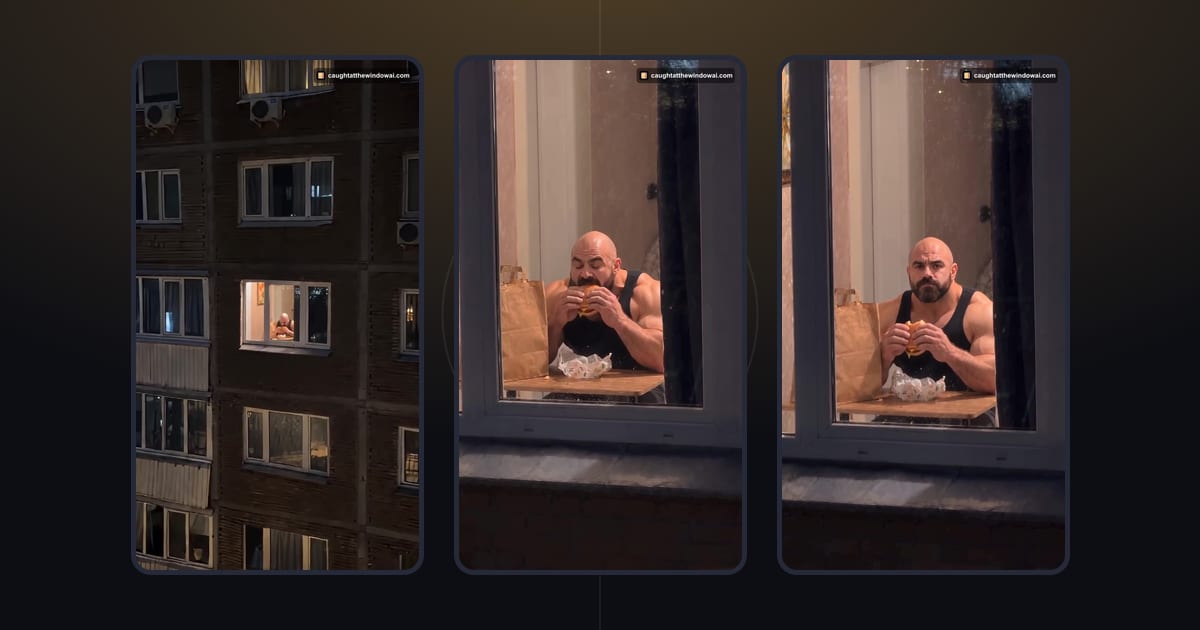
A Caught at the Window prompt needs a clear setting and an ordered reaction: move toward a lit window, reveal someone eating, let them notice the camera and end with the curtain closing. The useful principle is cause and effect, with each action making the next one understandable. This guide explains that structure; it does not publish this site's production prompt or offer a copy-and-paste recipe.
You can skip prompt writing altogether with Caught at the Window AI. The form uses your photo and a prepared scene. The ideas below are for understanding and planning this kind of visual joke, including what to look for when reviewing an AI video.
Begin with the punchline, then work backward
The curtain is the ending, so ask what must happen for it to feel like a reaction. The person needs to notice the camera. For that look to mean something, they must first be doing something else. Eating provides the ordinary activity. The window and the approaching view establish where the discovery happens.
This backward check is more useful than collecting impressive adjectives. “Cinematic” does not explain why a hand moves or when the person looks up. A brief scene plan that assigns a purpose to each beat gives you something concrete to review. The curtain should follow the discovery; the discovery should interrupt the snack.
There is also a practical limit to how much story belongs in one small moment. Extra visitors, changing rooms and several unrelated actions compete for attention. For this trend, the main person and the window already carry the setup. Save an elaborate backstory for the caption if it helps the joke, rather than asking the scene to explain everything.
Give the setting a clear visual job
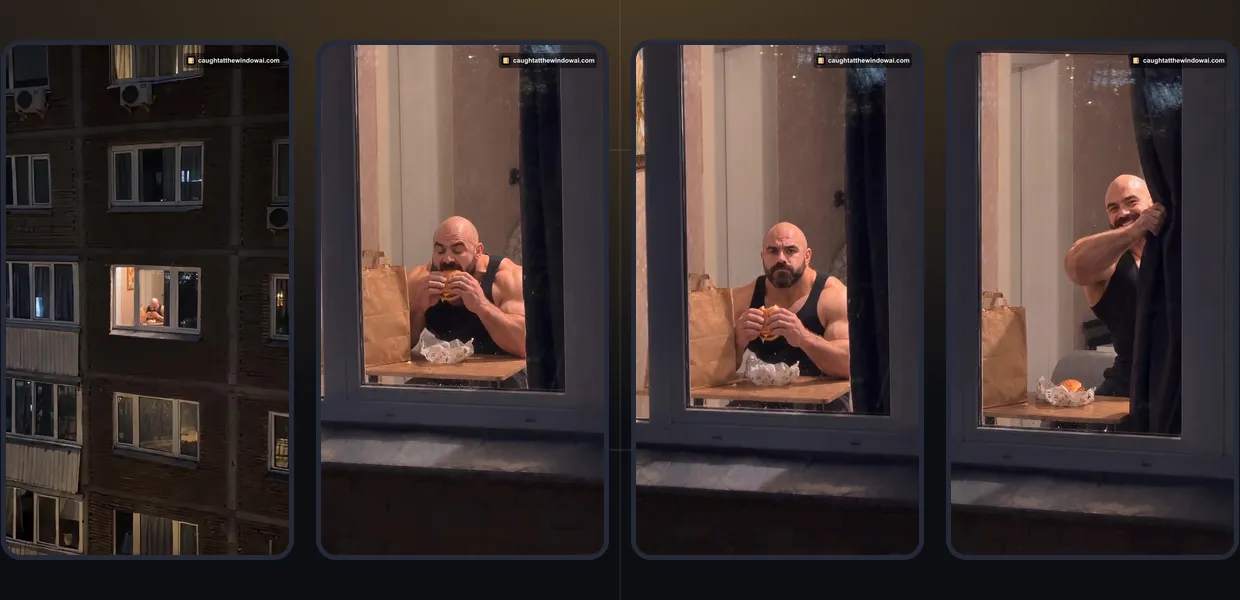
The nighttime exterior and the warm window create a natural point of attention. In a scene outline, describe what the viewer should notice first and what becomes clear only as the view approaches. The initial distance should serve the reveal, not add a second unrelated location that the viewer has to understand.
Keep the layout easy to follow. A single relevant window, a visible person and a curtain that can close across the opening make the final action legible. If the curtain is never established, its appearance at the end may feel arbitrary. Likewise, a face hidden behind food for the entire scene cannot provide a clear moment of eye contact.
Treat lighting as support for that structure. A warm interior against a darker exterior gives the person a readable outline. You do not need to prescribe every lamp, material or furnishing to explain the joke. Details are useful when they help the viewer see the action; details that compete with the face or curtain are lower priority.
Describe camera movement as one understandable path
A camera instruction should answer where the view starts, what it moves toward and where it settles. For this type of scene, the approach establishes the window as the destination. A separate orbit, a sudden reverse view and a close-up in a different room would each require the audience to reorient.
General prompting practice benefits from choosing one main movement before adding secondary motion. If a scene plan asks for a steady approach and a fixed viewpoint at the same moment, resolve that conflict in the plan. Specify which part is moving and which part should remain visually stable, rather than piling contradictory labels onto the same action.
These are planning principles, not measured claims about a particular model. Tools interpret instructions differently, and a more detailed prompt does not guarantee a better result. When evaluating an output, compare it with the simple intended path: did the approach bring attention to the snack and leave enough clarity for the reaction?
Keep the person’s actions in order
Write the action outline in plain verbs: eat, notice, pause, close. Then ask whether the transition between them makes sense. A pause can give the viewer time to register the expression, but the guide does not prescribe a duration. The important point is that the look is readable before the curtain takes the person out of view.
Separate simultaneous action from sequential action. Holding food while looking up can be one understandable moment. Starting a new meal, turning away, opening a second window and closing the first curtain all at once makes the cause of the ending harder to read. Simplifying the sequence is a useful editing decision even before any generation is attempted.
The person should remain the subject throughout. Keep the snack as a prop in the joke instead of turning it into a product presentation. This site is built for your own caught-mid-snack moment using one prepared scene. A general article about scene design does not add brand-advertising controls or alternative food choices to the product.
Window Peeper prompt checklist: review before adding words
Whether you call it a Window Peeper prompt or a Caught at the Window prompt, the checklist is the same. After outlining the idea, read it as if you knew nothing about the trend. Can you tell where the person is, what they are doing and why the curtain closes? If the answer depends on an unexplained reference to a social post, describe the missing action in ordinary language. A recognizable story should not require the viewer to know an account name.
Use the same questions when watching a result. Look for continuity in the person and setting, a clear change in attention, and an ending connected to that change. An attractive opening image does not automatically make the complete sequence work. Watch the whole scene before deciding what needs revision.
When a problem has a clear cause, change that part of the plan rather than adding more instructions everywhere. If the look arrives too early, reconsider the order. If the window is visually crowded, simplify the setting. This is general creative guidance for tools that accept prompts; it is not a claim that our upload form exposes those controls.
Skip the reading and make yours
Prefer a ready scene? Upload your photo here
If your goal is to make your own version, Caught at the Window AI supplies the prepared-scene route. You do not need to enter the action outline above. The current form accepts a photo and does not include a custom-prompt field, a scene editor or a menu of foods.
Choose a clear photo of yourself or an adult who has authorized this use. Keep the face visible and check the selected image before confirming permission. The service does not accept celebrities, public figures or minors. The form below is the actual creator, loaded when you reach this section, so you can prepare your photo without leaving the article.
Upload your photo here
The form opens here. Credit packs are paid once; generation uses credits.

For the complete sequence, follow how to do the Window Peeper trend. Signing in and returning from checkout bring you back to the article that started the process, with the draft restored when browser storage is available. Check the visible preview after returning and follow any storage warning shown by the form.
Know the purchase terms before creating
Each video uses 10 credits. Packs start at $8.90 and are paid once, with no subscription or automatic renewal. Credits do not expire. The pricing page shows the pack choices, and the refund policy explains refunds for unused credits within 7 days of payment. A delivered video counts as used; failed or timed-out generation returns the credits automatically.
Use the current form and product information to check the available format and timing. The images and video here come from a completed generation using a fictional adult photo. They show how the action sequence works in practice. Watch your own result through the curtain close, then choose a caption that fits the moment you want to share.
Your caption can do some of the creative work without changing the scene. A line about a midnight snack or an unplanned break gives friends the setup; the curtain supplies the reaction. Label the post as AI-generated and choose audio you are entitled to use. For the historical context behind the names, see what the Window Peeper trend is.
When you want to move from reading to creating, return to Caught at the Window AI or use the form above. A clear photo and an understood scene are enough to begin this workflow; learning a production prompt is not a prerequisite.
Questions
What should a Caught at the Window prompt describe?
Describe the setting, a clear subject, the camera's approach, the snack before the reaction, and the curtain as the ending. Keep the actions in a readable order and avoid competing camera instructions.
Can I paste a custom prompt into this site's form?
The current form uses your photo and a prepared scene. It does not offer a custom-prompt field, selectable food or a scene editor. This article teaches general scene planning, not the site's production prompt.
Can I use the prepared scene without learning prompts?
Yes. Upload your own photo or an authorized adult's photo. Packs start at $8.90 with no subscription, and each video uses 10 credits.
Is a Window Peeper prompt different from a Caught at the Window prompt?
No. Window Peeper and Caught at the Window are two names for the same trend, so a Window Peeper prompt needs the same beats: the approach to a lit window, the snack, the look up and the curtain. This site's form does not need a prompt; it uses your photo and a prepared scene.
Keep reading
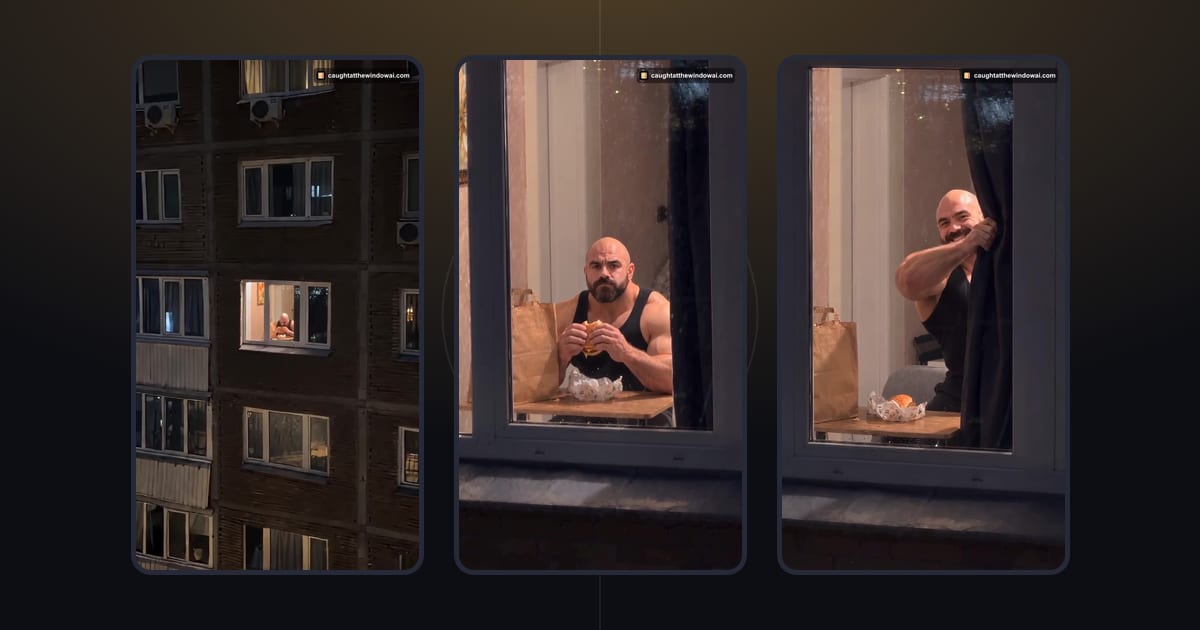 ExplainerWhat Is the Window Peeper Trend? How Caught at the Window StartedThe Window Peeper trend is the caught-mid-snack window joke. Follow its October 2026 timeline and learn what makes the curtain ending work.October 23, 2026 · →
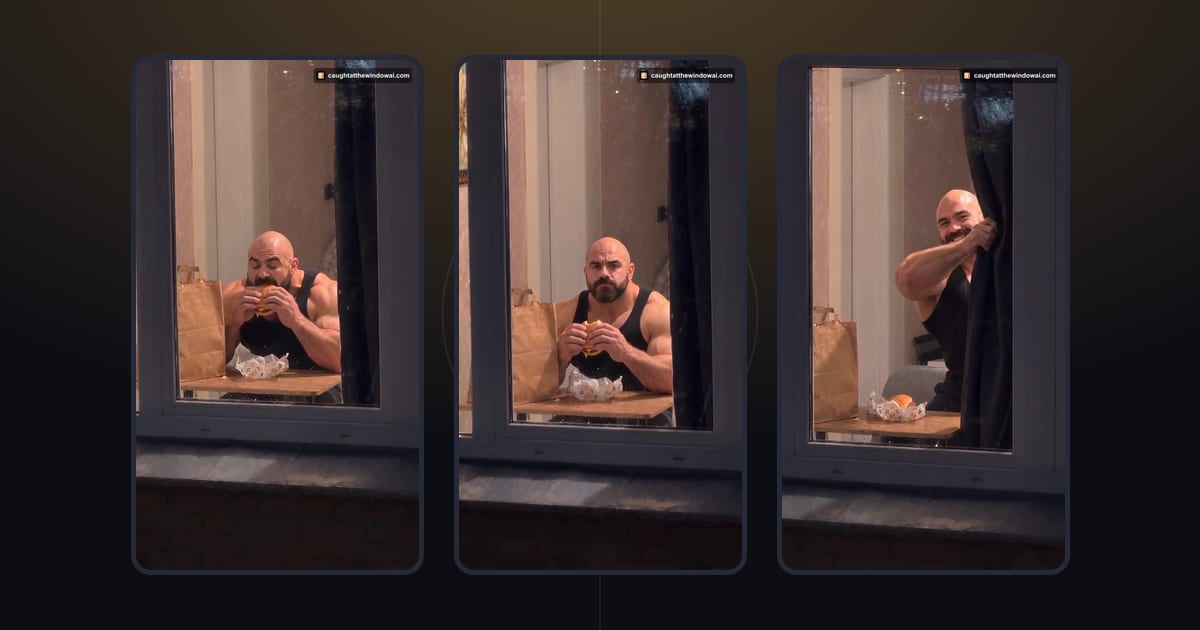 TutorialHow to Do the Window Peeper Trend From One PhotoMake your Window Peeper AI video with a clear photo. Follow the upload, credit and download steps in your browser, with no prompt to write.October 23, 2026 · →